
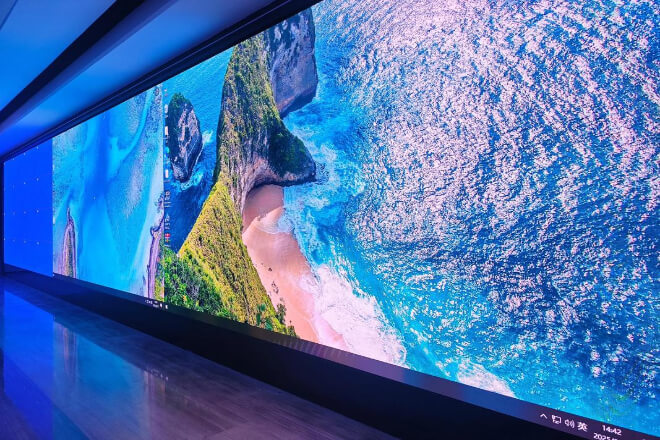
When buying an LED display screen, many people’s first impression is, “This screen is quite bright.”
But “bright” doesn’t equal “good.” A truly good display is comfortable to look at, doesn’t cause eye strain even after prolonged viewing, and provides sufficient clarity of detail.
Therefore, judging an LED display screen shouldn’t rely solely on “first impressions,” but rather on its “true capabilities.”
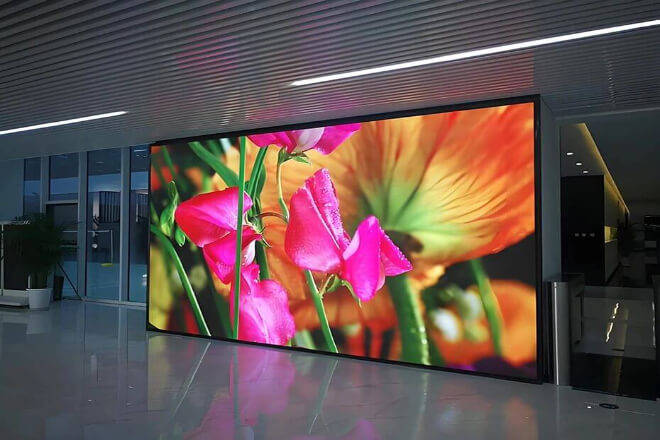
The most intuitive way to judge whether an LED display screen is “good” is actually quite simple—no professional instruments are needed.
Your eyes are the best testing tool. The key is to see if the image is detailed and clean enough.
First, check if the edges of the text are clear. For example, in news headlines, score numbers, or small-font descriptions, if the edges show “fuzzy edges” or slight ghosting.
The clarity is average; a high-quality screen should display text as clean and crisp as if it were printed, easily readable at a glance.
Second, observe if image details are complete. For example, in an image of a person or sports action, if individual strands of hair, clothing texture, and facial expressions are clearly rendered, the display capability is good.
Conversely, if details are blurred, it will significantly impact the viewing experience, especially in display scenarios.
Meanwhile, pixel pitch directly affects overall detail. It can be simply understood as the “size of the pixels”: the smaller the pixel pitch, the finer the image; the larger the pixel pitch, the more noticeable the graininess.
For example, the pixel pitch requirements for conference screens viewed up close and large outdoor LED screens viewed from a distance are completely different.
Finally, close-up viewing is the most direct way to judge. The closer the distance, the easier it is to expose problems—graininess.
Uneven brightness, and loss of detail will all be more obvious. If it looks clear and natural up close, it will generally not have problems from a distance.
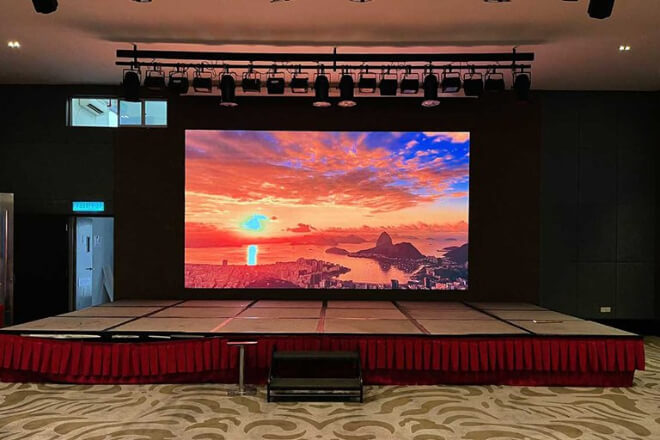
Whether an LED display screen “looks comfortable” largely depends on its brightness and color performance. Clarity is just the foundation; aesthetics are the key to the experience.
First, check if the brightness is uniform and whether there is overexposure or a grayish appearance.
For example, if some areas of the screen are particularly bright and some areas are dark, the image will appear unstable.
A high-quality screen should have consistent brightness throughout, and even large areas of the screen should not have uneven brightness.
Secondly, observe whether the colors are realistic and natural. For example, when displaying a scene of grass, is the green yellowish or bluish? When displaying a portrait, are the skin tones healthy-looking?
A good display effect should be “close to the real world,” not oversaturated or obviously distorted, making it comfortable to look at at first glance.
At the same time, the depth of black and the purity of white are crucial. If black is grayish, the image will appear “hazy”; if white is yellowish or bluish, it will affect the overall texture.
A high-quality LED screen should achieve “deep blacks where they should be, and clean whites where they should be.” The clearer the contrast, the more layered the image.
Finally, it is essential to test the effect in different environments. For example, the brightness performance in a bright daytime environment and a dimly lit indoor environment can be completely different.
Some screens look great indoors but become washed out outdoors; others are very bright during the day but glaring at night. A truly stable effect maintains a natural and comfortable feel in different environments.
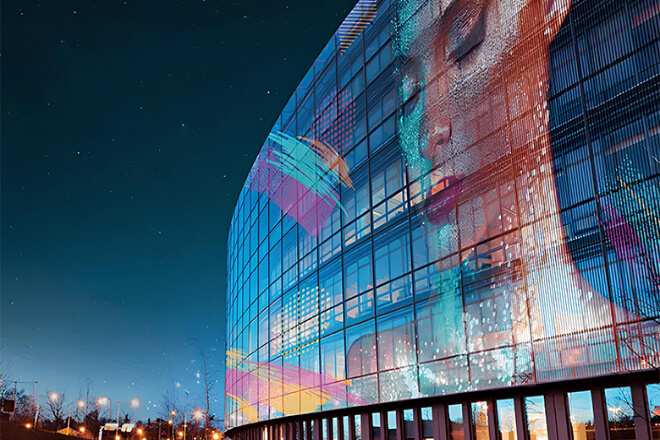
If sharpness determines how clear it is, then refresh rate determines how tiring and smooth the viewing experience is.
Some screens may not be blurry, but they still feel “awkward,” and the problem often lies here.
First, taking a picture of the screen with your phone to check for ripples or flickering is a very intuitive way to judge.
For example, if you casually take a picture of a large screen during a game, and the image shows concentric “ripples” or flickers like it’s “blinking,” it usually indicates a low refresh rate.
High refresh rate screens will produce more stable images, looking like a “normal screen,” without interfering with the phone’s view.
Second, check for ghosting in fast-moving scenes, like watching a person run to see if there’s a “following shadow.” For example, when playing basketball, fast breaks, gymnastics flips, or watching fast-paced commercials.
If the person is followed by a trail of “shadows,” like a slow-motion effect that wasn’t cleanly turned off, the smoothness is insufficient.
A high refresh rate screen will show the person running, and the image will keep up, clean and crisp.
Meanwhile, checking the smoothness of video playback is like checking for frame drops in animation.
For example, if the camera moves quickly left and right, and the image looks like a “slightly choppy short video,” viewers will subconsciously feel uncomfortable.
However, with a high refresh rate, the scene transitions are very smooth, somewhat like “swiping through a phone’s home screen.”
Finally, the value of a high refresh rate is that it makes viewers “forget the screen’s existence.”
For example, at a performance or competition, if you don’t notice any stuttering or shaking, it means the screen is smooth enough—your attention is only on the content itself, not the device.
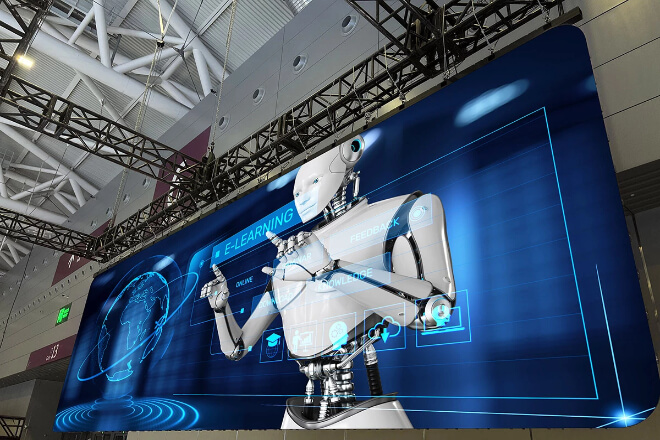
Judging the quality of an LED display sometimes doesn’t require looking at complex parameters.
Taking a few steps back and looking at the overall effect is enough—is it “like a single screen” or “a pieced-together screen”? The difference is very intuitive.
First, check for color differences, like looking at a “wall with a uniform color.” For example, when playing a solid-color background.
If the left side is warmer and the right side is cooler, or the top is brighter and the bottom is darker, it will look like a “wall with uneven paint.”
A good screen should have a consistent overall tone, appearing smooth and natural, without fragmented colors.
Secondly, observe whether there are differences in brightness between modules. For example, when displaying a night sky image, if one area is “particularly bright.”
Like stars suddenly having a filter applied, while the surrounding areas are normally darker, it will look like “misaligned puzzle pieces.”
A high-quality screen should have consistent brightness across all modules, making it impossible to tell which is “shining more.”
At the same time, noticeable seams between modules are a good indicator of problems. For example, when displaying a close-up of a person’s face.
If you can vaguely see dividing lines, it’s like “transparent tape” on the face, instantly ruining the viewing experience.
An excellent LED screen makes you completely ignore the seams; it appears as a single, continuous image.
Finally, the most crucial “ultimate test” is the overall uniformity of the image. Consider a scenario: a large screen displaying slow-motion replays of a sports event.
If you’re engrossed in watching but don’t notice it’s composed of many modules, then the uniformity is excellent—the screen “disappears,” leaving only the image itself.
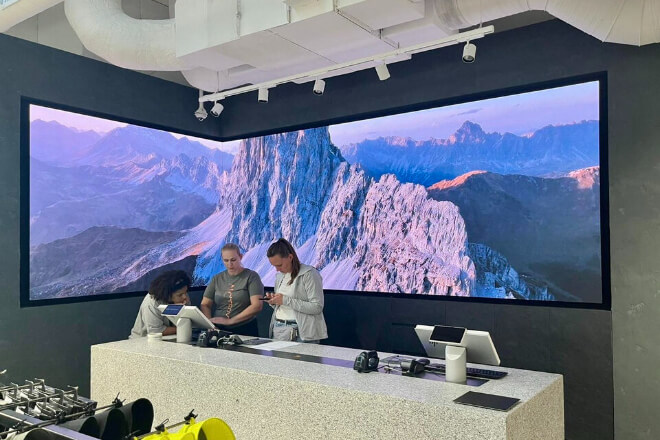
The initial power-on performance of an LED display is merely a “warm-up.” What truly matters is its ability to operate stably.
And continuously for an extended period without malfunctioning. Stability is the true litmus test for long-term quality.
First, the absence of abnormal overheating during prolonged operation is a crucial indicator.
For example, if the screen initially runs normally but becomes noticeably hot in certain areas after an hour or two, like it’s “getting increasingly breathless,” this often indicates a weakness in heat dissipation or design.
A good screen, on the other hand, will operate stably throughout the day, with its temperature remaining within a reasonable range.
Second, the presence of screen flickering or blackouts is the most obvious sign of risk. For instance, during a game or advertisement, a sudden flicker or brief blackout is like a “suddenly interrupted performance.”
This not only affects the user experience but also directly impacts the professionalism of the application scenario.
A stable system should remain “as stable as a background wall” even after prolonged operation.
Simultaneously, the stability of the power supply and drive system is the core support. Think of it as the “heart and nervous system” of the screen. An unstable power supply is like an inconsistent current flow.
If the driver is unstable, the image is prone to fluctuations or anomalies. A good system provides consistently stable output, eliminating the need for frequent “emergency interventions.”
Finally, a good screen withstands the test of time. Consider this simple scenario: a screen running from morning till night in a shopping mall.
Or switching between multiple events in a venue, must maintain a normal image, without dimming or errors, to truly “withstand long-term use.”


 English
  Español
  简体中文
简体中文  Français
  日本語
日本語  한국어
한국어  العربية