

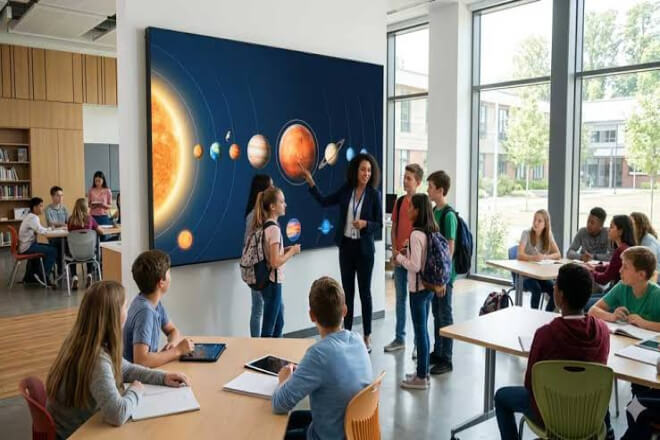
Imagine a corporate training session in progress. The instructor is explaining complex data reports, but employees in the back rows can’t see the details on the charts;
When the video reaches a crucial point, the screen brillo is insufficient, affecting the viewing experience. Does this sound familiar?
For corporate training centers, display equipment may seem like just an auxiliary tool, but it directly impacts the delivery of course content.
While traditional projection equipment has certain advantages, it also has limitations in some training scenarios.
1) Image susceptibility to ambient light
Some projection equipment is prone to image blurriness in bright environments.
Lowering indoor lighting to improve visibility may affect employees’ note-taking and reading of training materials.
2) Limited display effectiveness in large training spaces
As the number of trainees increases and the meeting room size expands, employees in the back rows may have difficulty seeing small text and complex charts, resulting in insufficient delivery of course information.
3) Inflexible content display
Corporate training content typically includes presentations, product videos, operating procedures, data analysis, and remote meeting footage.
A single display method may not meet all course needs.
LED displays offer new display options for corporate training centers through larger display areas, flexible size configurations, and rich content presentation methods.
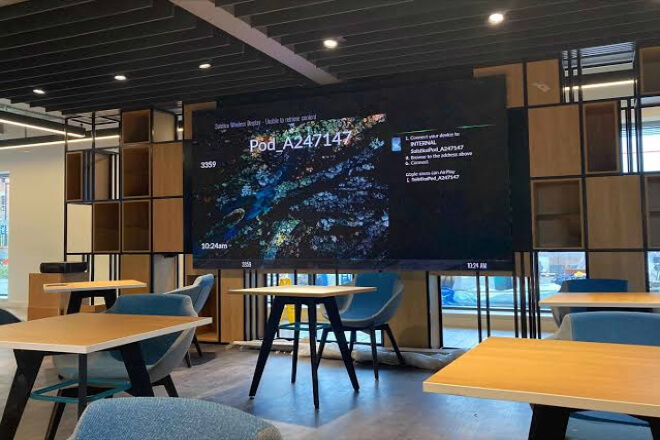
Training courses are not always simple text explanations.
For technical, product, and business training, much knowledge requires images, videos, animations, and data charts for easier understanding.
One of the greatest values of LED displays is their ability to provide a more intuitive visual expression of abstract content.
1) High-definition display of course details
Companies can choose pantallas LED with appropriate pixel pitch based on the training space.
Allowing employees to clearly view product structure diagrams, operating procedures, technical parameters, and instructional videos.
For example, in the training center of a machinery manufacturing company, instructors can use large screens to display the internal structure of equipment.
And the operation of components, allowing employees to understand product principles more intuitively.
2) Dynamic videos make training more engaging
Compared to relying solely on text and images, dynamic videos can better demonstrate actual operating procedures.
For example, safety training can play videos of equipment operating procedures, accident cases, and emergency response;
Sales training can showcase product usage scenarios and customer cases, making the course content more relevant to actual work.
3) Data visualization improves comprehension efficiency
For management training and business analysis courses, LED displays can centrally display data charts, performance changes, and process relationships.
Instructors can combine real-time data in their explanations, making it easier for employees to understand complex information, rather than being overwhelmed by dense text and tables.
When course content is clear and understandable, the training presentation truly fulfills its purpose.
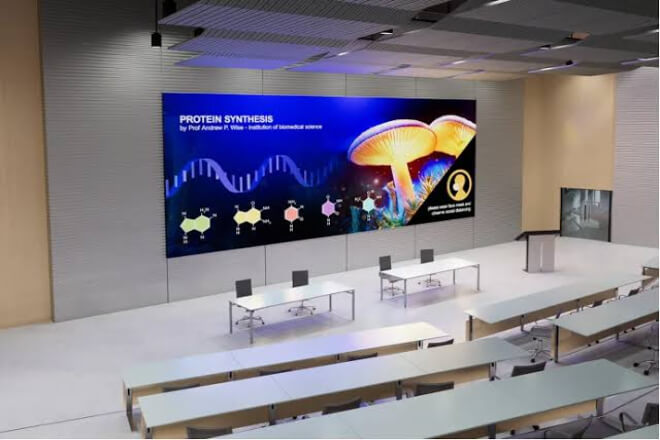
Different companies have different training objectives, and display devices should not be limited to one method of use.
LED displays can be flexibly configured according to the training space and course content.
1) New employee onboarding training:
Companies can use pantallas LED to showcase their corporate culture, development history, organizational structure, and job responsibilities.
Through images, videos, and brand promotional content, new employees can quickly learn about the company.
Compared to traditional promotional boards, dynamic displays also make onboarding training more engaging.
2) Product and technology training:
For industries like manufacturing, electronics, and automotive, product structures, equipment operation, and technical principles are often complex.
Using LED displays to play high-definition product demonstrations, disassembly animations, and operation videos helps employees understand professional knowledge more intuitively.
3) Management and business training:
In corporate management training, instructors can use large screens to display operational data, market trends, business processes, and case studies.
When multiple data dimensions can be presented simultaneously, trainees can more easily develop a holistic understanding.
4) Remote training:
LED displays can be used in conjunction with video conferencing systems to display remote instructor images, course materials.
And on-site discussion content, allowing employees in different locations to participate in unified training.
It’s important to note that remote interaction requires equipment such as cameras, microphones, conferencing software.
And network systems, while the LED display screen primarily serves the task of information presentation.
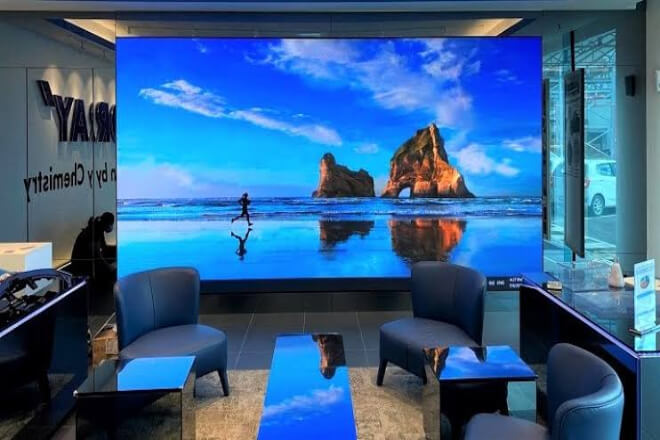
Training effectiveness depends not only on the instructor’s delivery but also on employee participation.
If the entire training process involves only one-way lecturing by the instructor, even with rich content, employees are likely to become fatigued.
LED displays can be used in conjunction with other digital devices to create more interactive opportunities for training centers.
1) Support for multiple interactive teaching formats
Combining touch devices, wireless projection, and interactive software, instructors can organize on-site Q&A sessions, knowledge tests, solution discussions, and group presentations.
For example, in sales training, employees can project their customer communication solutions onto the screen, and the instructor can then provide feedback based on the large-screen content.
2) Flexible switching between different course content
Corporate training centers frequently need to hold courses on different topics.
The morning might be for new employee training, the afternoon for product technology lectures, and the evening for departmental meetings.
LED displays can quickly switch between presentations, videos, meeting footage, and promotional content via a control system, reducing the hassle of repeated adjustments required by traditional display equipment.
3) Adaptable to training activities of different sizes
For large training halls, large-size LED display walls can be used, ensuring a clear viewing experience for employees in different seating areas.
For small and medium-sized training rooms, appropriately sized pantallas LED de paso pequeño can be selected to avoid wasting space and budget due to overly large equipment configurations.
4) Enabling training spaces to serve multiple purposes
Companies do not necessarily need to build a separate classroom for every activity.
By rationally planning LED displays and audio-visual systems, the same space can serve multiple functions such as training, meetings, product launches, and corporate events, improving venue utilization efficiency.
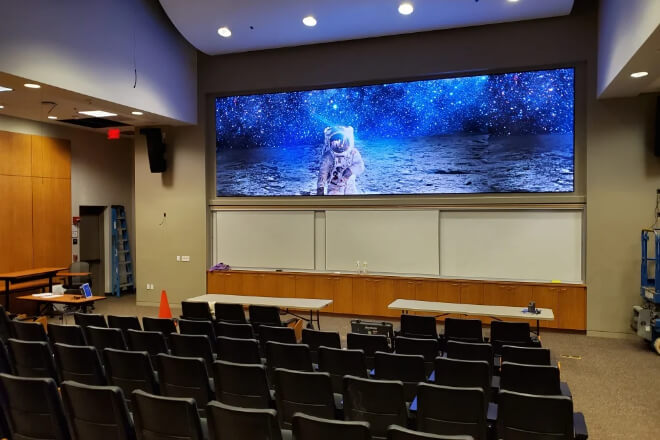
LED displays can improve the presentation of courses, but larger screens and smaller pixel pitches are not necessarily more suitable.
Companies need to plan according to their actual training needs before purchasing.
1) Choosing tamaño de píxel based on distancia de visualización
If trainees need to view text, tables, and product details at close range, small-pitch LED displays should be prioritized.
For large training halls, specifications need to be determined based on the viewing distance of the last row of seats and the screen size.
2) Focus on brillo and color performance
Training centers typically display text, images, and videos for extended periods.
Therefore, attention should be paid to the screen’s brightness uniformity, color reproduction, and grayscale performance to avoid issues such as overly bright images, color distortion, or unclear details.
3) Consider system compatibility
Corporate training centers may simultaneously use computers, cameras, video conferencing equipment, and wireless projection systems.
During procurement, it’s necessary to confirm whether the LED display control system is compatible with existing equipment to reduce later modification costs.
4) Emphasize installation and maintenance
The screen installation location, load-bearing structure, heat dissipation conditions, and maintenance space need to be planned in advance.
For training centers with high usage frequency, equipment stability, after-sales service, and spare parts availability should also be considered.
5) Assess long-term value
In addition to procurement costs, daily power consumption, maintenance costs, content updates, and future expansion needs should also be considered.
Choosing an LED display that can adapt to various training scenarios is usually more practical than simply pursuing high configurations.
For corporate decision-makers, a truly worthwhile investment in a training display system should provide long-term support for employee learning, knowledge transfer, and internal communication.


 English
 Español
 简体中文
 Français
 日本語
 한국어
 العربية