
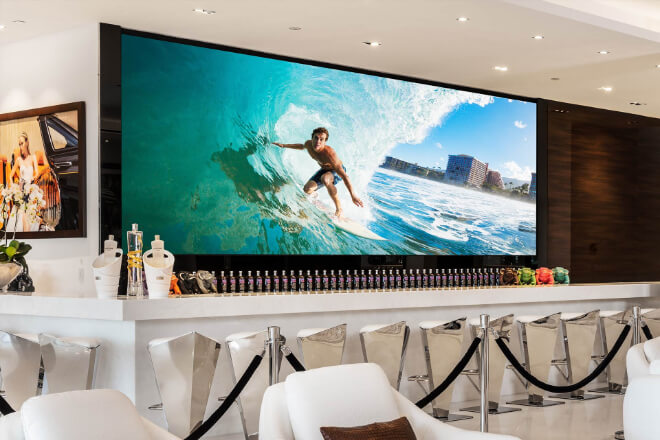
LED displays are almost ubiquitous, from 쇼핑몰 to street billboards. But have you ever wondered how much electricity these screens consume daily?
Can they truly save energy without compromising image quality? LED 스크린 energy-saving modes sound intelligent, but are they actually effective? Let’s examine their actual performance.
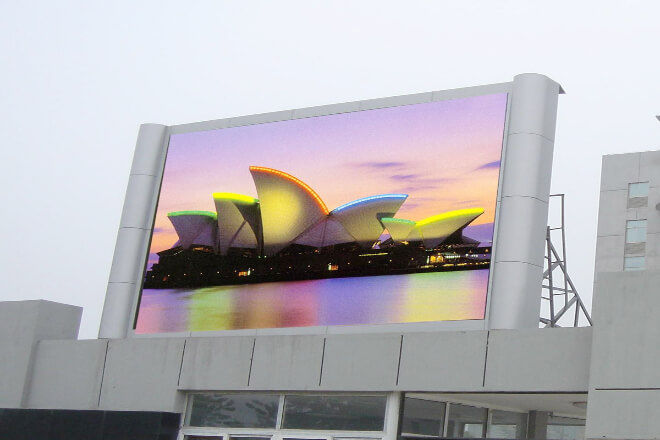
Simply put, energy-saving modes allow the display to act like a “thinking light,” automatically adjusting its state based on the environment and usage.
Just like turning on lights at home: during the day, when there’s plenty of sunlight, you dim the lights.
At night, when the light is insufficient, you brighten them. LED display energy-saving modes achieve this intelligent adjustment, making electricity usage more efficient.
LED display energy-saving modes not only save on electricity bills, but more importantly, they promote environmental protection and sustainable development.
Through automatic 명도 adjustment, backlight control, and dynamic power management, the display can significantly reduce power consumption while maintaining visual quality, extending the device’s lifespan.
In short, the energy-saving mode of LED displays acts like a “smart energy-saving assistant,” making the displays both bright and energy-efficient, contributing to energy conservation and environmental protection in modern cities.
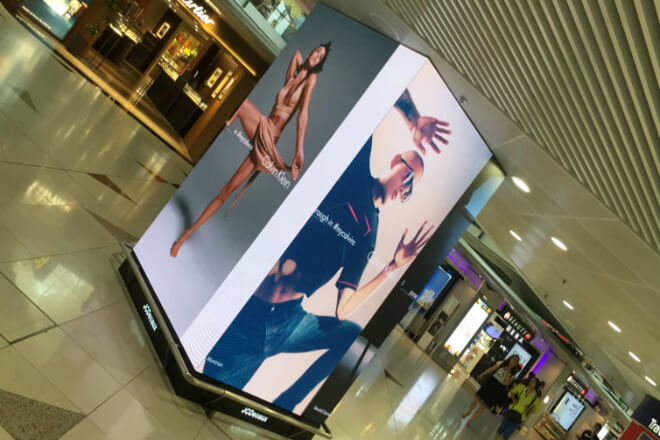
The energy-saving mode of LED displays is similar to a mobile phone’s “eye protection mode” or “automatic brightness.”
It automatically adjusts the brightness based on ambient light and the content being displayed, reducing energy consumption.
While this saves electricity and is environmentally friendly, it also has some impact on the image quality, which is worth understanding.
1) 명도 Decreases
When energy-saving mode is activated, the screen automatically adjusts its brightness according to the ambient light.
In bright daylight: To save energy, the screen may not be at its brightest, making the image appear slightly darker, especially for people at a distance who may find the content less “bright.”
At night or in low light: The screen reduces brightness to protect the eyes. While the image is still clear, some details may not be as prominent.
To put it simply, it’s like room lighting. If the lights aren’t at maximum brightness, the image will appear softer, but small details may be harder to see.
2) Colors may not be as vibrant.
While adjusting brightness, the energy-saving mode also affects the backlight intensity. Weaker backlight reduces color saturation.
Blacks may not appear deep enough, and dark scenes may appear grayish.
Vibrant colors like red and blue may appear slightly paler, making the image less impactful.
Therefore, for colorful advertisements or videos, the energy-saving mode may slightly affect the visual experience.
3) Dynamic scenes may also be affected.
If there are fast-moving scenes or high-contrast scenes on the screen, energy-saving mode may cause a slight lag in brightness or color changes.
In other words, the image may not be as “timely” and may appear somewhat out of sync with the changes.
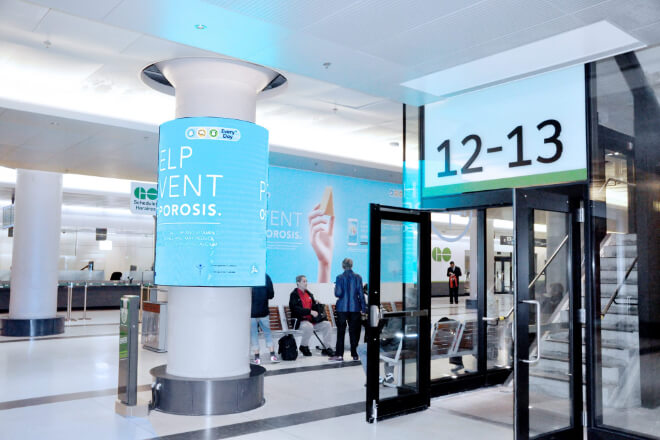
The answer is yes! LED displays not only save electricity with energy-saving mode but can also extend their lifespan.
1) Lowering brightness reduces aging.
LED chips generate more heat and age more easily when working at high brightness for extended periods.
Enabling energy-saving mode automatically lowers the screen brightness based on the environment and content, reducing the continuous high-load operation of the LED chips.
- A simple analogy: Just like driving a car, if you always accelerate at high speeds, the car will wear out faster; slowing down appropriately will make the car last longer.
2) Reduced Backlight Pressure
The brighter the backlight, the greater the power consumption of the screen’s circuitry and LEDs.
Energy-saving mode intelligently adjusts the backlight intensity, allowing the LEDs and circuitry to “rest,” thus slowing down hardware aging.
A simple example to illustrate: Suppose an LED display screen is turned on for 10 hours a day.
If each LED works at full load for 10 hours a day in full-brightness mode, some LEDs may start to dim after three years.
However, after enabling energy-saving mode, the average screen brightness decreases by 30%, reducing the load on the LEDs.
Theoretically, after the same three years of use, the screen can still maintain its original brightness and color, extending its lifespan.
3) Additional Benefits
Besides extending lifespan, energy-saving mode also reduces maintenance frequency and replacement costs, while lowering electricity bills—a win-win situation.
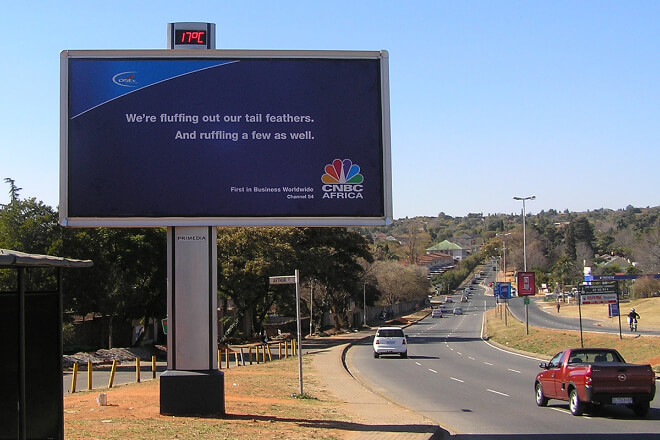
LED displays are now almost ubiquitous—large advertising screens in shopping malls, outdoor billboards on the street, demonstration screens in company conference rooms… They work diligently every day.
Energy-saving mode is like equipping these screens with a “power-saving brain,” helping you save money, extend their lifespan, and without affecting display quality.
 English
  Español
  简体中文
简体中文  Français
  日本語
日本語  한국어
한국어  العربية