

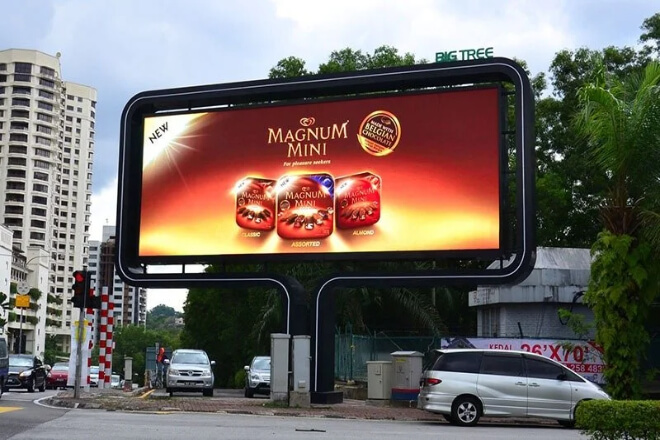
In the world of LED displays, different scenarios are like different etapas, and each type of content has its own “rules of performance.”
To maximise the screen’s effectiveness, the first step is to understand the scenario’s needs—otherwise.
You might end up displaying concert stage effects in a meeting room, which would be like putting glittery shoes on a suit—awkward and unprofessional.
First, there are the differences in content between games, performances, meetings, and advertising.
At a game, the audience focuses on the score, key actions, and real-time data; at a performance, the audience focuses on stage lighting, special effects animations, and interactive content.
In a meeting, people need to see PPTs, data, and speakers; in an advertising scenario, information needs to be eye-catching and easy to remember.
Each scenario has a different “protagonist,” and the LED screen’s performance must be tailored accordingly.
Then there are the differences in audience attention and information reception.
During a competition, the audience’s eyes follow the movements; during a performance, their emotions rise and fall with the rhythm.
At a conference, they take careful notes; and when it comes to advertising, they might just glance at it as they pass by.
Content design is like “psychological navigation,” ensuring that information is easily seen, understood, and remembered.
Next is determining the display focus based on the scenario. In a competition, highlight the score and real-time rankings.
In a performance, amplify the stage visuals and interactive effects; in a conference, emphasise data logic; and in advertising, reinforce brand recall.
Finally, a pre-planned switching strategy is crucial. Different content must switch at different times, not improvised, otherwise the audience experience will become a chaotic “information marathon.”
For example, on a centro comercial LED screen, a new product advertisement might be played in the morning to attract passersby.
Then switched to real-time event information reminders at noon, and finally, interactive performance footage in the evening.
Each switch is like a scene arranged by a director, keeping the audience glued to the screen while simultaneously etching the advertisement into their minds.
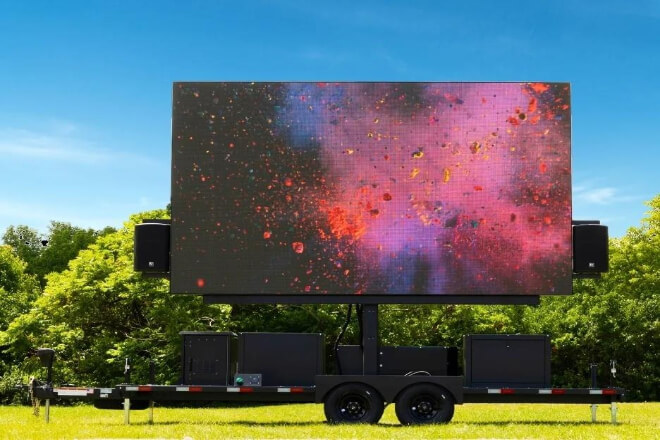
In LED display management, the second step is to manage multiple signal sources, allowing the screen to switch content as easily as a magician.
Whether it’s a competition, performance, meeting, or advertising campaign, screens may need to simultaneously display video, scrolling text, static images.
Or real-time data. Making a screen truly versatile requires multi-signal source management.
First, it needs to support multiple signal inputs, including video, images, and text. For example, in a meeting, PowerPoint presentations, real-time data, and video streams can be displayed simultaneously.
In shopping mall advertising, carousel videos, new product images, and promotional text can be presented on one screen.
At a performance, escenario visuals, interactive animations, and brand logos all need to appear synchronously.
Multi-signal source management ensures that these contents are “in their proper places,” without interference.
Second, it allows for rapid switching of signal sources through a control system. At crucial moments, such as key sprints in a competition, the climax of a concert, or key data presentations in a meeting.
The control system can switch the view within seconds, keeping the screen content synchronised. For the audience, it feels like the screen has magic, with every second perfectly timed.
Furthermore, it allows for the simultaneous display of multiple types of content. The screen can be divided into sections: a central display of the core content, information bars in the corners, and scrolling text reminders at the bottom.
Even the brand logo can be displayed synchronously in the upper right corner. This way, regardless of where the audience’s attention is focused, they will see the key information without conflict between advertising, data, and visual effects.
For example, in a large centro comercial event, an LED screen can simultaneously display live footage from the main stage, rotating new product advertisements, scrolling promotional information, and interactive QR codes.
Wherever customers go, their eyes are drawn to the screen, receiving all the information and seeing all the advertisements, doubling both the user experience and marketing effectiveness.
First, preset playback plans and scene templates. You can arrange the content in advance, like a director arranging storyboards: advertisements in the morning.
Switching to event information at noon, and live performances or competitions in the evening.
Different scenes correspond to different templates, allowing the screen to automatically present the most suitable content, making it seem as if the screen understands your intentions.
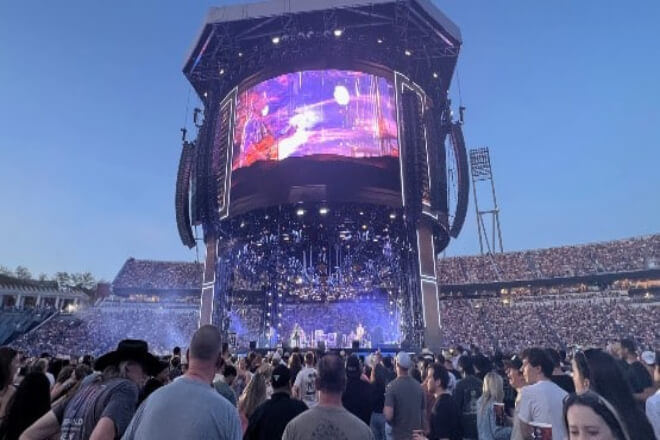
Then, automatically switch between different content at set times. Por ejemplo, en Centros comerciales, concerts, or estadios, the CMS can switch screens according to time, event progress, or trigger conditions.
At crucial moments in a competition, scores and rankings automatically pop up; during meeting presentations, PPTs and data switch in real time; at the climax of a performance, stage visuals and interactive animations are seamlessly presented.
The audience experience is seamless, like watching a TV series, without any abrupt transitions.
Furthermore, there’s centralised management of multiple screens and venues. Large events may have several screens in different locations, even different venues, playing content simultaneously.
The CMS acts like a central conductor, coordinating all screens to ensure synchronised content and consistent playback, eliminating the need for manual switching.
For example, in a large city festival, the central plaza screen plays the opening video, while surrounding street screens simultaneously display event previews and interactive QR codes.
As the event enters the competition or performance phase, the central screen automatically switches to live streaming.
While surrounding screens display real-time rankings or interactive information, creating a rhythmic symphony throughout.
The fourth step is to transform the LED displays into “smart companions,” not only broadcasting content but also interacting with the atmosphere, almost as if they have a telepathic connection.
First, content switching is triggered by on-site events or sensors. For example, in a match, at the start of a crucial round, the screen automatically displays a score replay.
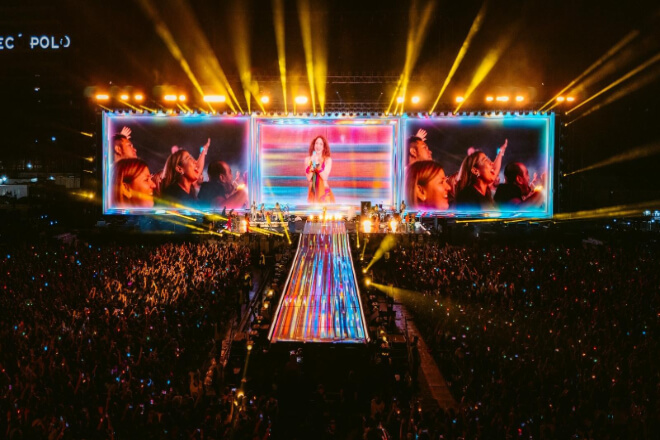
During the concert’s climax, escenario lights and screen animations explode in sync; as soon as a vote is cast during a meeting.
The result is immediately displayed on the screen—as if the screen itself “acts according to the situation.”
Then there’s the integration with the competition’s progress, the performance’s rhythm, or audience interaction. Imagine: at a concert, audience members wave glow sticks.
And LED screens display fans’ names and messages in real time, creating a sense of interaction throughout the venue.
Or, at a large centro comercial event, as customers approach a particular area, screens automatically play relevant product introductions, ensuring precise information delivery.
Next, there’s improving the alignment between content and the atmosphere. Visuals moving in sync with the rhythm enhance audience focus and immersion.
For example, during a concert’s climactic song, synchronised with LED screen animations and flashing lights, the audience feels as if they’re in a visual effects show, their emotions soaring.
Finally, there’s enhancing audience participation and immersion. Seeing their names, votes, or messages displayed in real time makes audiences feel like co-creators of the event, not just spectators.
For example, during a summer event in a city square, the host shouts, “Come take a photo and check in!”
After the audience scans a QR code, the LED screen immediately displays their name and message, triggering a cute celebratory animation—the whole venue instantly erupts in excitement, creating a high level of participation.
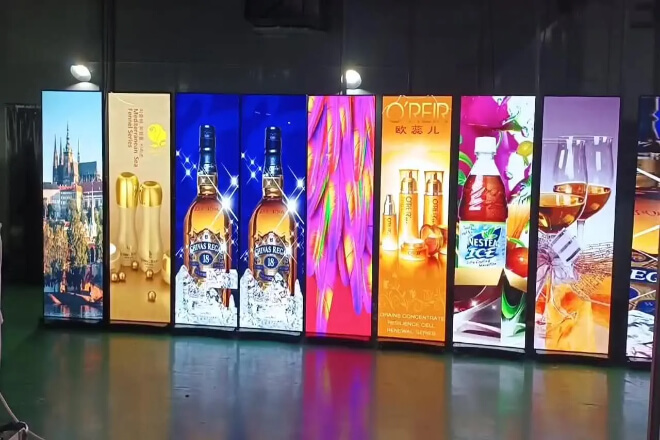
The fifth step is to ensure the LED display screen operates smoothly and without mishaps—maintaining smooth multi-scene switching effects even during long-term operation.
First, regularly check the hardware and signal lines. Screen modules, controllers, and cables are like instruments in an orchestra; even a slight malfunction can cause them to go out of tune.
Regular inspections ensure that every screen and every line is functioning properly, avoiding embarrassing moments like “sudden blackouts.”
Then, adjust the brillo, colour, and display ratio. Different lighting conditions at different times and in different scenarios require fine-tuning of the screen performance: increase outdoor brightness during the day.
Soften stage colours at night, and ensure the advertising display ratio doesn’t crowd out core content—keeping the screen always “just right.”
Next, record switching issues and optimise solutions. When content switching stutters, delays, or split-screen misalignments occur, record and adjust the solution promptly.
Just like encountering a bug in a game, fixing it in time makes the next operation smoother.
Finally, ensure long-term stable operation. Multi-scene switching, 24/7 playback, and continuous operation for extended periods can easily cause screens to “overwork” without maintenance and optimisation.
Establishing a regular maintenance mechanism ensures not only stable visuals in the long run but also easier operation, preventing advertisements and content displays from failing.
For example, during a large centro comercial‘s holiday event, the LED screen needs to play advertisements in the morning, switch to event information at noon, and broadcast live performances in the evening.
With daily checks, brightness adjustments, and switching optimisations, the screen can act like a seasoned program director, perfectly presenting each segment.
Viewers won’t miss any highlights or have their experience disrupted by unexpected problems.


 English
  Español
  简体中文
简体中文  Français
  日本語
日本語  한국어
한국어  العربية