
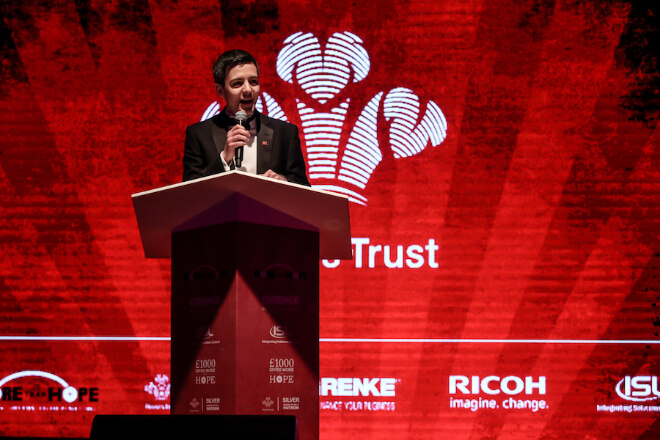
In presentations or large conferences, screen size and résolution are actually more important than you might imagine.
If the screen is too small, audience members in the back rows may have to squint to guess the content, completely unable to keep up with the pace of the presentation.
If the screen is too large and too close to the audience, the image may appear exaggerated or even glaring, causing distraction.
Choosing a suitable LED display is like finding the “perfect glasses” for the presentation, ensuring that every audience member can clearly see the key points.
Generally speaking, the farther the audience is from the screen, the larger the screen needs to be, and the higher the resolution should be.
For example, in a conference room with dozens of people, a medium-sized LED screen is sufficient.
However, for large conference halls or lectures with hundreds of attendees, larger, higher-resolution screens are necessary to ensure that audiences in the back rows can easily see PPT slides, charts, and videos.
Resolution is also crucial. Insufficient pixel count can cause text and charts to become blurry and jagged, significantly impacting the viewing experience, especially when displaying data or complex graphs.
Choosing a high-definition or high-resolution LED screen not only ensures clear text and detailed charts.
But also makes the presentation appear more professional and technologically advanced, helping the audience concentrate more easily.
Simply put, screen size and resolution must match the venue. Just like organiser lighting, a suitable screen can make a presentation more engaging and captivating.
Ensuring every audience member can see and listen comfortably, maximizing the value of visual impact.
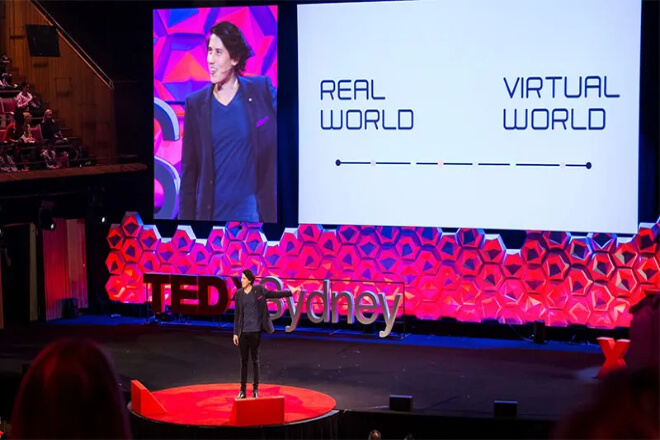
In presentations or conferences, LED screens are not for displaying lengthy monologues.
Too much text on the screen can overwhelm the audience and may even cause them to lose focus, missing the key points you want to convey.
Therefore, a simple and practical principle is—less text, more images, highlighting key information.
Keep each page concise, conveying core information with just a few keywords. For example, when discussing business data, don’t simply display the entire report on the screen.
Instead, use charts to illustrate trends and highlight key metrics with a few eye-catching words.
Charts, images, or icons quickly grab the audience’s attention, making information easy to understand at a glance—more efficient and easier to remember than long paragraphs of text.
This also has the advantage of preventing the audience from staring intently at the screen and having their attention diverted by text.
The speaker can also deliver the content more naturally without worrying about the audience falling behind.
The more concise and focused the content on the LED screen, the more professional and organized the presentation appears, allowing the audience to easily understand and remember the core information.
In other words, the text on the LED screen should be like a “finishing touch,” not a “complete reprint.”
Using keywords and charts to present information, making each page clear and intuitive, not only improves audience comprehension but also makes the overall presentation more engaging and visually appealing.
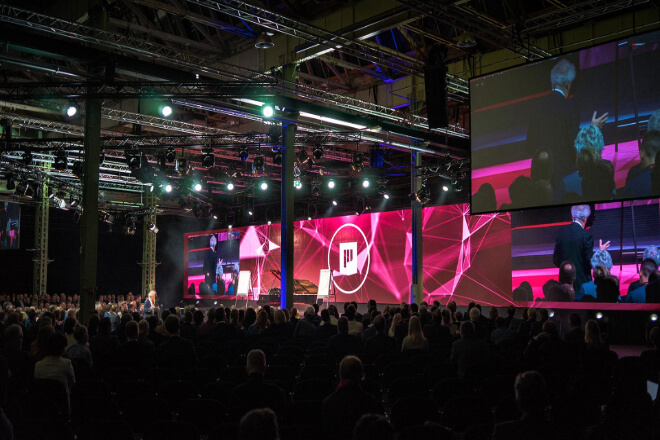
In a presentation or meeting, an LED display screen is more than just a “backdrop”; it’s like an assistant, helping you reinforce key points.
However, the key is that the screen content must be synchronized with your presentation pace; otherwise, it may backfire.
For example, when you mention a key data point or case study, the screen can display corresponding charts, images.
Or keywords, allowing the audience to receive information simultaneously through their eyes and ears, deepening their impression.
The frequency of screen transitions is also crucial: too fast, and the audience won’t have time to process it; too slow, and they might lose focus.
Controlling the pace, ensuring each image appears at the most opportune moment, allows the audience to focus on the content while being visually engaged.
It’s also important to avoid content appearing too early or too late. If the screen displays content you’re going to discuss later, the audience might “peek,” disrupting your presentation rhythm.
If the image lags behind, the audience might feel they can’t keep up with your explanation, significantly diminishing their experience.
In short, treat the LED screen as a “synchronization partner” for your presentation, ensuring the visuals and the pace of your explanation are perfectly synchronized.
This not only highlights key content but also makes the presentation more engaging and interesting, keeping the audience visually and aurally engaged and making key points easier to remember.
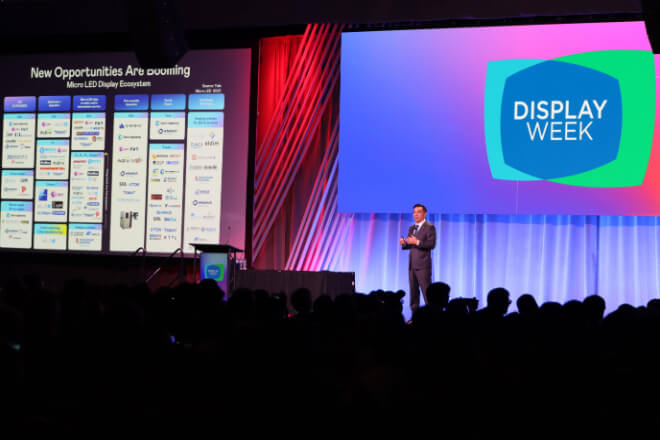
In large presentations or conferences, a single LED screen is often insufficient for information display and visual impact.
Properly configuring main and auxiliary screens not only ensures clearer information delivery but also makes the entire organiser more dynamic and visually appealing.
The main screen typically displays core content, such as key points, charts, or videos, keeping the audience’s attention firmly focused on the most important information.
Auxiliary screens can display supplementary information, real-time data, images, or interactive content, enriching the presentation and allowing the audience to easily follow the pace of the presentation.
Using multiple LED screens together can also expand the visual space, making the stage appear more three-dimensional and layered.
For example, the main screen can display the presentation slides in the center of the stage, while the auxiliary screens on either side display relevant images, dynamic data.
Or audience voting results, even incorporating animated backgrounds, making the entire stage seem “alive.”
The audience feels immersed in the content, not only seeing clearly but also remembering key information more easily.
Even more interestingly, the secondary screens can display interactive content, such as audience voting results, social media comments, or real-time Q&A.
Making everyone feel like they are participating in the presentation, rather than passively watching a screen.
Multi-screen interaction is like adding “magic” to the stage, enhancing visual impact and keeping the audience interested and engaged throughout.
In short, multi-screen configurations not only make the presentation content clear and easy to understand but also create a stunning and interactive stage experience.
Whether it’s a corporate meeting, exposition, or public speech, the proper use of multiple LED screens can make the stage more interesting and lively.
Ensuring the audience is comfortable watching, remembers well, and the presentation effect is naturally more outstanding.
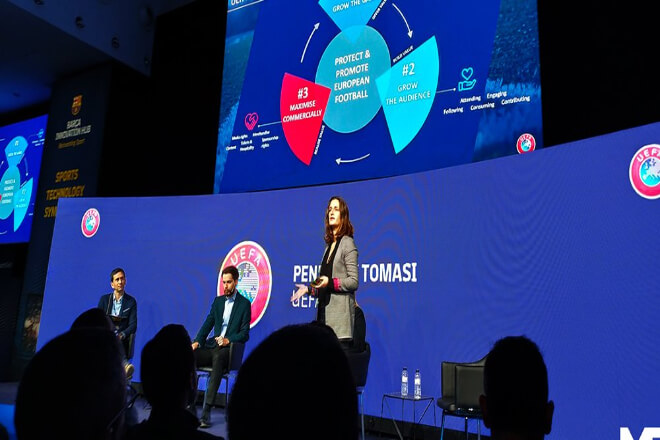
No matter how advanced the LED display is, without prior testing, awkward situations may arise during the presentation.
To ensure the best visual effect, conducting technical testing and a complete rehearsal in advance is essential.
First, check the proportions and clarity of the materials to ensure that text, charts, or images are displayed correctly on the screen without being cropped or blurred.
Next, confirm that the screen luminosité and color are appropriate, avoiding excessive brightness that is glaring or insufficient brightness that makes the content difficult to see.
Rehearsals are equally important. A complete rehearsal before the presentation checks the smoothness of content transitions, animation playback, and multi-screen collaboration.
And also allows the speaker to familiarize themselves with the rhythm of interaction with the screen. This allows for early detection and timely adjustments, preventing chaos on stage.
Finally, preparing backup plans is crucial. For example, having backup documents, plans for adjusting screen settings.
Or emergency projection solutions in advance allows for quick responses to technical malfunctions, ensuring the presentation remains uninterrupted.
In short, technical testing and rehearsals act as a “safety net” for the presentation, ensuring a perfect match between the LED screen and the presentation content, a smooth audience experience, and greater speaker confidence.
Preparing these details in advance ensures the best possible visual effect on organiser, making the presentation both professional and engaging.
 English
  Español
  简体中文
简体中文  Français
  日本語
日本語  한국어
한국어  العربية