

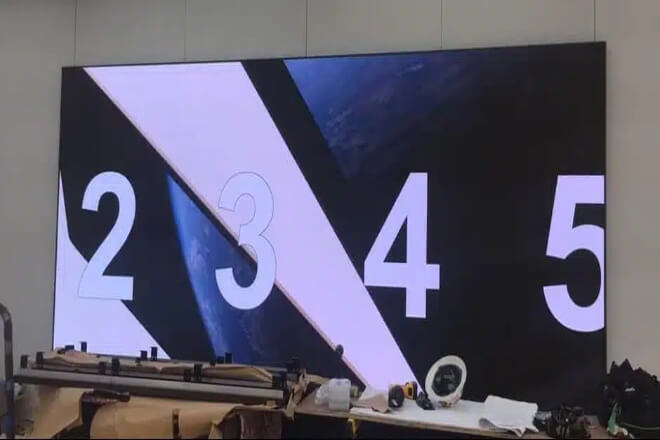
In electronics stores, a common scenario is that customers come in, browse around, look at their phones and headphones, and then leave.
It’s not that the products are bad, but rather, it’s difficult to immediately grasp their appeal just by looking at them.
This is where LED屏幕 act as “product explainers.”
Firstly, by directly demonstrating how to use the product through video, it’s much easier for customers to understand than static posters.
For example, if a phone is just sitting there, people might at most think, “It looks pretty good.”
But if a large screen is showing its night scene shooting process, before and after comparisons, and the effect of one-click photo editing.
Many people will unconsciously stop and look for a few more seconds, or even take out their own phones to compare: “Wow, such a big difference!”
Secondly, it’s easier to make people linger. In information-rich environments like stores, static posters are easily swept away, but dynamic images make people “want to take a second look.”
For example, in an earphone store, a large screen might be showing “noise cancellation before and after comparisons”:
With the rumble of the subway outside, it suddenly becomes quiet after switching to static.
Many people passing by will subconsciously slow down, thinking, “This seems pretty useful.”
More importantly, this feeling of “lingering for a few more seconds” is crucial. Once people stop, they are more likely to take a step forward: get closer to look, pick it up and try it, or even ask about the price.
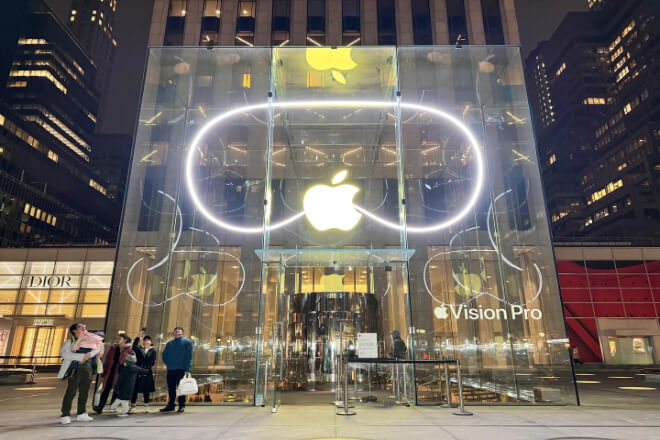
The most common “bottleneck” in electronics stores isn’t that the products are bad, but rather too many parameters, making it tiring to look at.
With processor, battery life, 刷新率, and memory all displayed together, customers often just think, “Hmm…they all seem about the same?”
This is where LED screens come in, making these “unintelligible parameters” more intuitive.
First, they use a split-screen approach to clearly explain the core parameters.
Instead of piling up large blocks of text, they display key aspects like performance, battery life, screen, and camera separately.
For example, when comparing phones, the left side of the large screen shows model A, and the right side shows model B.
Battery life is represented by a progress bar, camera performance by sample photos, and refresh rate by an animation.
Customers can immediately see the differences instead of staring blankly at a table.
Second, using graphical comparisons makes it easier to understand. Many parameters are much easier to understand when presented as images.
For example, battery capacity can be represented by a “playback time bar,” performance by a “speed animation,” and the camera by “comparison images.”
For example, in a laptop store, a large screen can display the video editing speed of two machines.
One progress bar completes in a flash, while the other loads slowly. Customers don’t need explanations; they’ll immediately understand: “Oh, this one is clearly faster.”
More importantly, it helps customers make decisions faster. Because when information becomes simpler, the choice becomes less agonizing.
Questions that used to require three questions from the salesperson can now be understood in ten seconds by looking at the screen.
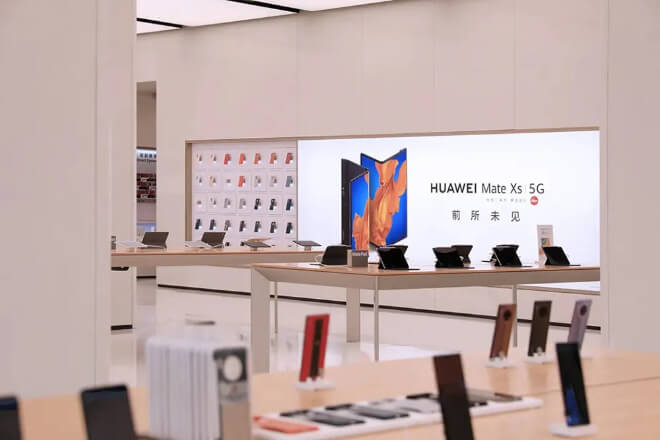
In electronics stores, a common situation arises: many customers aren’t unwilling to learn, but rather experience “information overload” when faced with a multitude of parameters.
Terms like CPU, 刷新率, battery life, and pixels are understandable, but when put together, they easily boil down to one sentence—”They all seem about the same.”
This is where LED screens come in, helping customers transform “unintelligible parameters” into “visible differences.”
First, the parameters are broken down and explained, rather than piled together. Traditional posters tend to cram all the information into one image, making it difficult for anyone to see the key points.
But LED screens can display information in modules, allowing customers to look at each item one by one.
For example, when comparing phones, the left side of a large screen displays model A, and the right side displays model B.
Battery life is shown directly with a progress bar; one “lasts longer,” the other “dries out faster.” The difference is obvious without much explanation.
Secondly, using visuals instead of numbers makes it easier to understand. Many parameters, if only numerical, don’t really convey the difference, but become very intuitive when presented as a visual comparison.
For example, instead of saying “120Hz,” use a sliding animation to demonstrate refresh rate: one side is smooth, the other slightly choppy.
Even customers without technical knowledge will instinctively feel that “this one is smoother.”
Another example is in laptop stores, where one screen displays a video editing process: one machine completes rendering in a few seconds, while the other is noticeably slower.
This comparison is more convincing than “30% performance improvement.” Customers don’t need to understand the specifications to perceive the difference.
More importantly, this method helps customers make decisions faster. When information becomes more intuitive, the choice becomes less agonizing.
Previously, customers had to repeatedly ask salespeople, “Which one is better?” Now, they can make a rough judgment after watching for a few seconds.
Often, customers don’t lack information, but rather a way to “understand and comprehend” it. LED screens, in essence, simplify the complex and make the abstract concrete.
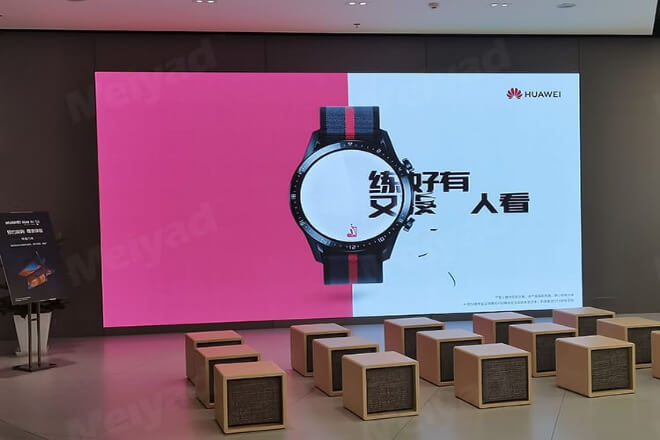
In electronics stores, a crucial point is that customers aren’t just “looking at the product.”
But silently asking themselves, “Will this be convenient for me to use?” If they can’t visualize it, they often hesitate and walk away.
This is where LED屏幕 come in, helping customers “experience it in advance.”
First, they place the product within real-life scenarios like home, office, and entertainment. It’s not just about explaining features, but directly providing a “visual demonstration.”
For example, a laptop might not resonate with customers if only its specifications are shown; however, if the screen displays a complete scene of someone working in a coffee shop.
Holding a video conference, or watching a show at home, many will naturally relate: “That’s how I usually use it.”
Second, it makes it easier for customers to feel, “I can use this too.” Once the scenario is relatable, the product is no longer a “display,” but something they “will use in the future.”
For example, in headphone stores, large screens display images of commuting on the subway, running at the gym, or relaxing alone listening to music at night.
Even if a customer only stands and looks at it for a couple of seconds, they might think, “This seems perfect for my commute.”
Another example is tablet displays, which don’t just focus on performance but directly present: students taking notes.
Designers drawing, children using learning materials—different people can find themselves reflected in these images.
More importantly, this approach significantly increases the impulse to buy. Because once people “see themselves using it,” their decision-making speeds up considerably.
In short, customers aren’t swayed by specifications, but by the visual image of “it seems good for me.”
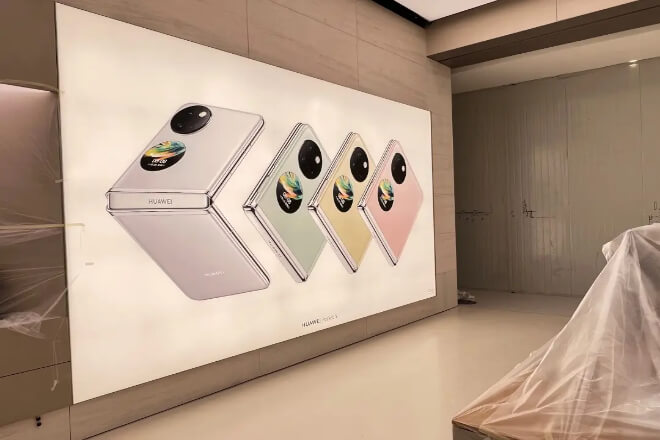
In electronics stores, LED displays act like “never-tiring salespeople,” constantly cycling through key information between the entrance and the display area.
Never stopping, never repeating itself, yet always “reminding you to focus.”
Firstly, LED屏幕 automatically rotate through featured products and promotional information.
Instead of salespeople constantly standing by and explaining, the screen continuously displays new products, best-selling items.
And promotional offers, allowing customers to grasp the key points immediately upon entering the store.
For example, as soon as a customer walks into the store, the LED screen is looping through the three main selling points of a mobile phone: camera, battery life, and price discounts.
Even if they only stand and look for a few seconds, they already know that “this is the main product.”
Secondly, the LED screen helps salespeople complete the “first round of explanation.” Much basic information, such as specifications, highlights, and promotional rules, can be presented on the screen, saving salespeople from repeating it over and over.
For instance, the LED screen in the headphone area continuously displays “noise cancellation comparison + usage scenarios + limited-time discounts.”
After viewing it once, when a customer asks a salesperson, the question becomes, “Can I try this on?” Communication efficiency is much higher.
More importantly, it allows for a more rhythmic delivery of store information. Instead of being surrounded by salespeople upon entering.
Customers are gradually “drawn in” through the screen, browsing on their own, and then exploring further if interested, resulting in a more natural experience.


 English
  Español
  简体中文
简体中文  Français
  日本語
日本語  한국어
한국어  العربية