
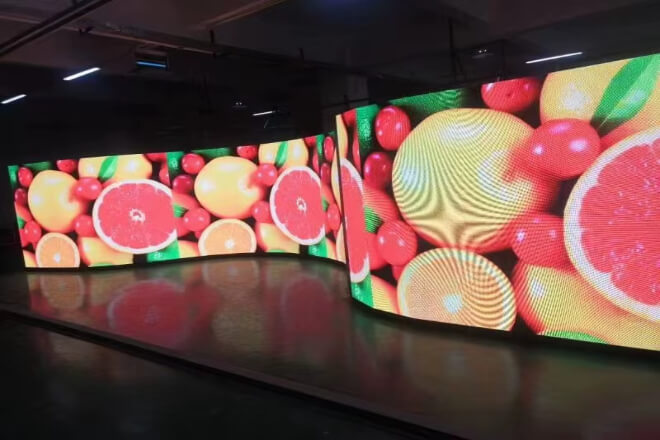
Once an شاشة عرض LED “goes on strike,” there’s usually not much time to react on-site.
A black screen, a distorted screen, or a signal interruption often means that information transmission.
The atmosphere of the event, and even commercial displays will be affected simultaneously.
Therefore, more important than “fixing it” is “quickly identifying the source of the problem.”

When an LED display screen suddenly “goes on strike,” it may seem like the entire screen is unresponsive, but most problems can actually be quickly pinpointed through a few simple steps.
Like a detective solving a case, don’t rush to disassemble the screen; start with the basic clues.
First, check the power supply. Many black screens, flickering, or fluctuating سطوع issues are often simply due to a power supply failure or a loose connection.
Observe the screen indicator lights or use a simple voltage test to confirm that the power supply is normal.
Just like a person who hasn’t eaten, a screen without power will naturally exhibit a “I’m not working” attitude.
Second, check if the control system is online. A disconnection in the control computer, signal processor, or network link will also cause abnormal screen display.
Trying to restart the control system or check the software status will often restore the screen to normal, similar to “restarting” a computer, instantly reviving the LED screen.
Next, observe whether the problem is a localised or screen-wide anomaly. Localised problems usually manifest as a black screen, flickering.
Or abnormal colour in a specific area, while screen-wide anomalies may point to problems with the overall power supply, signal chain, or system.
Distinguishing between localised and system-wide issues allows for quick identification of the problem area, avoiding the need for indiscriminate disassembly and reassembly of the entire screen.
For example, on a stadium LED screen, if a row of horizontal bars suddenly appears in the lower right corner while everything else is normal, you know it’s a faulty module, without needing to destroy the entire screen.
Another example: if the entire screen is black or flickering, the problem is likely with the main power supply or signal chain, requiring a focused investigation at the system level.
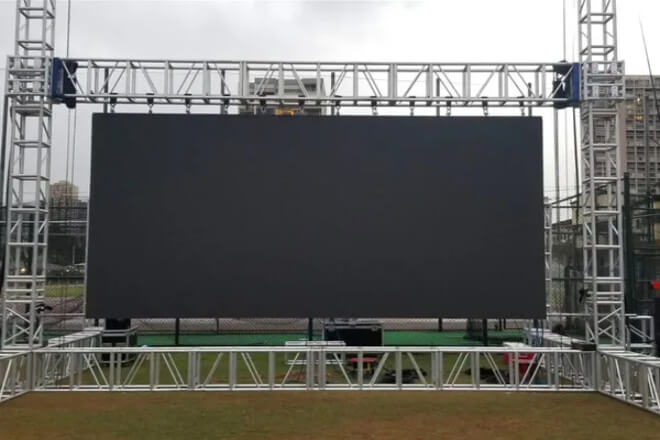
عندما شاشة ليد suddenly goes completely black or displays “No Signal,” don’t panic. This is more common than you might think, and most of the time it’s a minor issue.
The troubleshooting approach is similar to troubleshooting your home TV signal—start with the simplest things.
First, check the signal cables. If the HDMI, DP, or Ethernet cables are loose or have poor contact, the screen will naturally display nothing.
Many people’s first reaction is “the screen is broken,” but it’s often just a matter of the cable not being plugged in properly.
Just like when your TV has no signal, unplugging and plugging in the cable will restore the picture.
Next, check the status of the transmitting and receiving cards. The transmitting card is responsible for sending the signal, and the receiving card is responsible for the screen display.
If either of them malfunctions, the screen will go black. Observing the indicator lights or trying different devices often pinpoints the problem.
Third, try restarting the control system. Control computers or signal processors occasionally “malfunction,” and restarting often resolves many black screen problems instantly.
Remember, this step is like “recharging and restarting the brain” of the LED screen—simple and effective.
Finally, check if the input signal source is working properly. For example, if the computer playing the video is not turned on, the player is faulty, or the video source is disconnected, the screen will obviously display nothing.
Ensure the signal source output is normal, and then confirm that the cables and control system are working properly; usually, the problem will be solved.
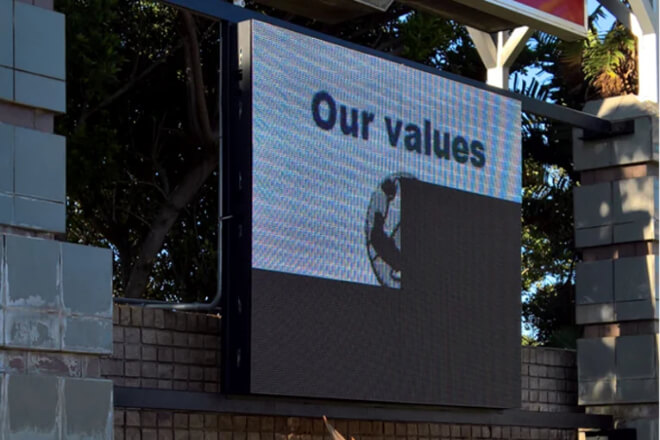
Localised screen flickering or colour anomalies on an شاشة ليد are like a TV screen suddenly covered in mosaic pixels—very noticeable, but don’t panic.
This is usually a “small area acting up” rather than a complete screen failure. There’s a “step-by-step” approach to solving these problems.
First, check if the unit board connections are loose. If the connections between screen modules are loose, the signal won’t be transmitted completely, resulting in localised screen flickering.
Gently pressing and re-securing the interfaces often resolves the problem. It’s like piecing together a jigsaw puzzle, and the image immediately becomes complete.
If the problem persists, try replacing the faulty module for testing. Replace the suspected faulty LED module with a working one and see if the screen recovers.
This quickly identifies whether the problem lies with the module itself or something else.
Simultaneously, check the ribbon cables and connectors. Sometimes it’s not the module that’s faulty, but rather loose cables or poor connector contact, causing signal loss.
Check the ribbon cables and re-plug the connectors—like “tidying up” the screen—to ensure unobstructed signal flow.
Finally, use a step-by-step troubleshooting method.
Start by checking the abnormal area and gradually expand outwards to ensure the fault is pinpointed, avoiding blindly replacing the entire screen or large-scale disassembly and reassembly.
This saves time and costs and prevents small problems from becoming major issues.
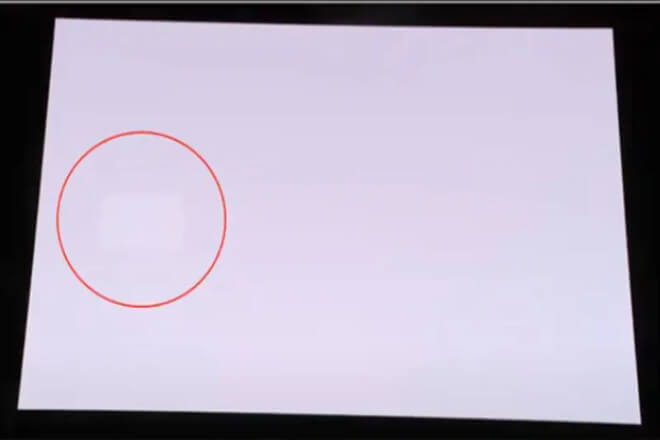
إذا كان شاشة ليد suddenly displays strange brightness or colours that look like watercolours have been splashed, viewers might think the screen is being creative.
But it’s usually just a minor quirk. Dealing with it is like dealing with a capricious pet: be patient, and with the right approach, it will behave.
First, check the سطوع settings. Sometimes the screen brightness is accidentally set too high or too low, or the automatic brightness sensor is mistakenly triggered, causing the image to flicker.
Adjusting the brightness back to the standard value immediately restores the screen to its normal state, and viewers no longer need to squint.
It’s like adjusting the lighting to a comfortable mode—the world suddenly becomes brighter.
Then perform colour calibration. Long-term use or minor differences in modules can cause certain areas of the screen to have colour deviations—the left side might be too red, the right too blue, like a piece of a rainbow missing.
Use professional colour calibration tools or software to adjust the colours across the entire screen, ensuring a smooth and natural display for more visually appealing advertisements and sporting events.
Next, check for fluctuations in the driver IC or power supply. Some modules may exhibit inconsistent brightness or colour, possibly due to a malfunctioning chip or unstable power supply.
Checking the voltage and driver board, and replacing modules if necessary, will restore the screen’s functionality.
Finally, don’t forget overall module consistency. Even a small area with unusual colours can affect the overall screen effect.
Ensuring each module is properly calibrated is like having the entire orchestra play the same melody—pleasing to the eye for viewers and enhancing the visual impact of advertisements and sporting events.
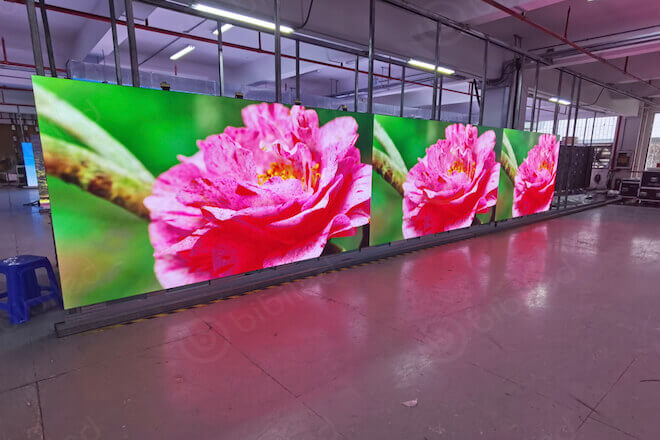
To keep LED displays “online and in top condition” like athletes, a daily maintenance and prevention mechanism is essential.
Taking good care of the screen is much easier than emergency repairs and can prevent embarrassment during sporting events or advertisements.
First, regularly check the مزود الطاقة and wiring connections. Just as people need water to replenish energy, screens require a stable power supply and secure wiring connections.
Regularly checking power plugs, ribbon cables, and module interfaces can detect looseness or wear early, preventing sudden screen malfunctions.
Then, keep the control system software updated. Outdated software versions, whether for the control computer or signal processor, can lead to compatibility issues or performance degradation.
Timely updates and patches are like maintenance for the screen’s “brain,” keeping it responsive.
Establishing a rapid fault response process is also crucial. Clearly assign responsibilities for inspection, troubleshooting, and repair.
In case of unexpected problems, staff can act swiftly like a well-trained rescue team, pinpointing and resolving the fault, minimising interruptions to events or advertisements.
Finally, prevention is key. Developing a plan for regular cleaning, colour calibration, brightness checks, and system testing can nip potential problems in the bud.
Like giving the screen a “check-up,” this is more convenient and less labour-intensive than emergency repairs, and it extends the screen’s lifespan.


 English
  Español
  简体中文
简体中文  Français
  日本語
日本語  한국어
한국어  العربية